🏷️ The One Where Issue Fields Went Org-Wide
Hiya friends,
If you have ever managed issues across more than two repositories, you know the drill. One repo tracks priority with labels. Another uses a project field. A third uses nothing and you just guess. Every team reinvents the same wheel, slightly worse each time. This week GitHub put the wheel in one place, and it open sourced a Copilot plugin while it was at it.
🚢 What Shipped
Issue fields are in public preview for all orgs. You can now define typed metadata like Priority, Effort, or any custom field at the org level, and it shows up automatically on every issue, in every repository. Fields support four types (single select, text, number, and date) and can be pinned to specific issue types. Once a field exists, everything downstream opens up: you can search and filter issues by field value, add fields as columns in project views, track changes in the timeline, and automate it through the REST and GraphQL APIs or webhook events. Define your priority scale once, stop policing label hygiene forever. It is live on github.com and Enterprise Cloud with data residency.
GitHub Copilot for Eclipse is now open source. The plugin code is on GitHub under the MIT license. If you work in Eclipse, this matters beyond the AI angle: you can read exactly how the integration handles your code and editor context, and you can file a real issue against it instead of a support ticket. GitHub framed the move as community-driven innovation and transparency, built openly alongside the IDE. Open tooling you can audit beats a black box you have to trust. Worth a look if Eclipse is your daily driver and you have opinions about how your AI assistant behaves.
🎧 What I’m Listening To
FFmpeg: The Incredible Technology Behind Video on the Internet, Lex Fridman Podcast #496, with Jean-Baptiste Kempf and Kieran Kunhya Kempf runs VLC and VideoLAN, Kunhya is a longtime FFmpeg contributor, and together they explain why a tool most of us treat as a black box is quietly holding up video on the entire internet. There is a stretch on handwritten assembly and reverse engineering codecs that will change how you think about the ffmpeg command you paste without reading. Worth your time if: you use ffmpeg and have never once wondered what is underneath it.
🔧 What I’m Using
This week I leaned on a tiny render-check loop for video assets: render with hyperframes, then pull a single frame with ffmpeg so I can sanity-check the output before it goes anywhere. ffmpeg is goated for exactly this, it does the boring job perfectly and never asks for anything. The loop catches the annoying stuff early: timing, logo placement, QR code readability, and whether the final frame actually says what I think it says.
✨ This Week
I started an Instagram channel. It is tech things, plus a spot to share Main Branch more visually. If Instagram is where you spend your time, come say hi: https://www.instagram.com/mainbranch.dev.
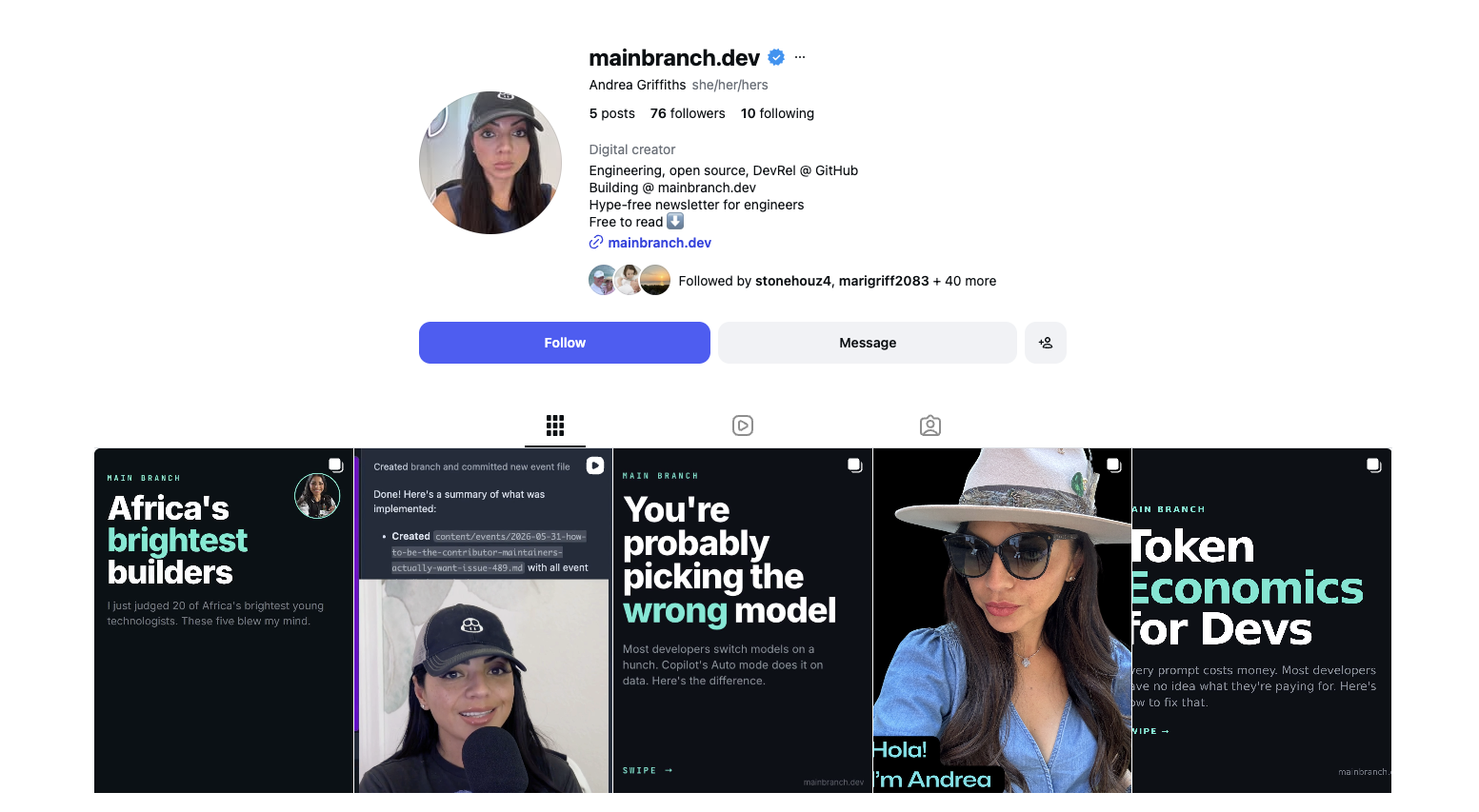
Follow along on Instagram at @mainbranch.dev for practical engineering notes, open source insights, and Main Branch newsletter updates.
With gratitude, I’ll see you next week.
Andrea
Subscribe to Main Branch
Join developers shipping real features. Every issue is a three-minute read packed with fundamentals you can apply today.
No spam. Unsubscribe anytime.